
Website Loading Slowly? Your Images Could Be Part of the Problem.
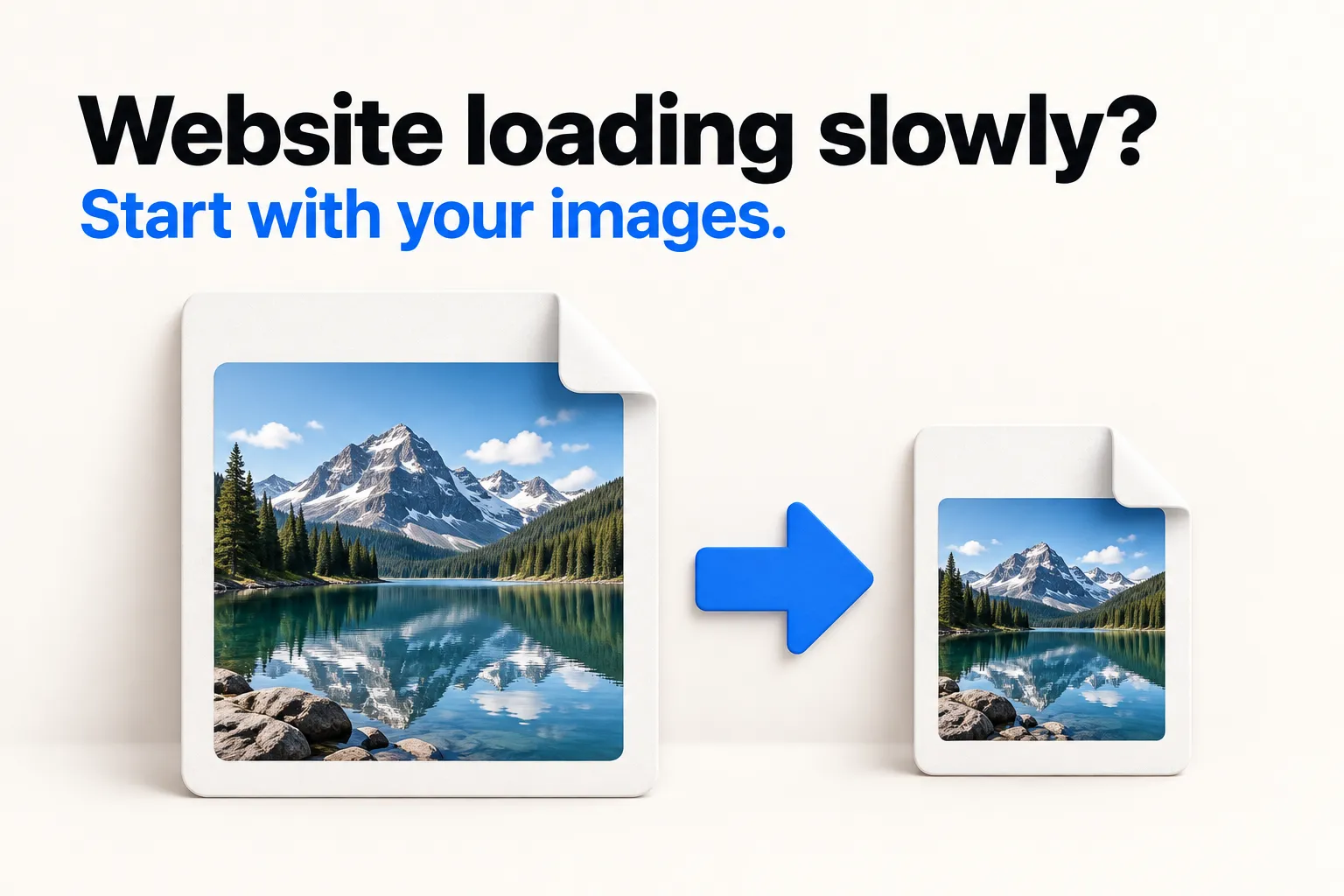
Large image files can slow down your website, especially for visitors browsing on mobile data.
JPG and PNG are familiar formats, but they often produce larger files than WebP at a similar visual quality. If your website has lots of large images, those extra megabytes can add up.
Convert Your Images to WebP
One change to try: convert your images to WebP.
Introduced by Google in 2010, WebP was designed to make images smaller for the web while preserving good visual quality.
Here’s an illustrative file-size comparison:
2.4 MB JPG → 280 KB WebP
That’s around 88% smaller!
Actual results depend on the image, its dimensions, and the compression settings.
Your Image Optimization Checklist
For faster image loading, add these three steps to your checklist:
-
Resize images to fit their purpose
A small image area doesn’t need a huge original file. Choose dimensions that suit the display size while keeping images sharp on high-resolution screens.
-
Lazy-load images further down the page
Load those images as visitors scroll toward them. Keep the main image visible at the top of the page loading right away.
-
Compress, then check before uploading
Check the file size and make sure text and fine details still look clear.
Start with a few images on your website. Convert them to WebP, then compare visual quality, file size, and page loading speed before replacing the rest.
Save this checklist for your next website update, or share it with someone managing their own website.
What’s the biggest challenge you’ve faced with your website’s loading speed? Share your experience or questions in the comments.
Comment on or discuss this topic by visiting this Facebook post.